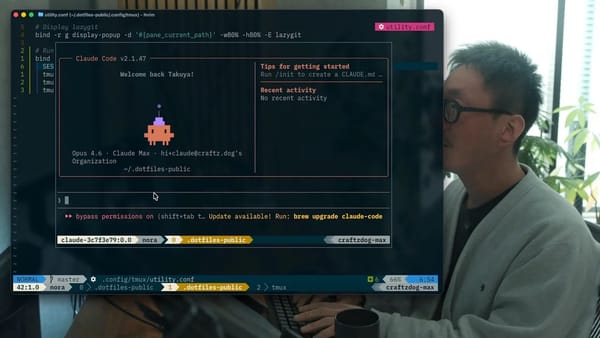
Note-driven agentic coding workflow using Claude Code and Inkdrop


Hey, what's up? It's Takuya. I came up with another AI coding workflow that is note-driven, using Claude Code and Inkdrop. When I was using Claude Code's plan mode, I found the generated plans hard to read on the terminal because the CLI is not optimal for viewing Markdown documents. So, I tried using Inkdrop as a backend store through its MCP server for Claude Code to store its plans to solve this issue.
I shared a demo on YouTube, so please check it out:
And here are the config files:
 inkdropapp
This repository is based on Affaan's one. You can copy and paste the md files into your .claude folder.
Why Note-Driven?
Of course, it can be done by simply opening local md files on VSCode. But, by storing plans in Inkdrop, you get:
- Beautiful markdown rendering - Plans are much easier to read with proper formatting, syntax highlighting, Mermaid diagrams, and LaTeX math blocks
- Easy to edit - Modify the plan before confirming, add notes, or adjust steps directly with the robust Markdown editor in Inkdrop
- Multi-device review - With data sync across platforms, review and edit plans from any device, including your phone
- Revision history - Track exactly when work started, what changed, and when it completed, with Inkdrop's revision history
- Progress tracking - Watch checkboxes get ticked off and note status updates appear in real-time
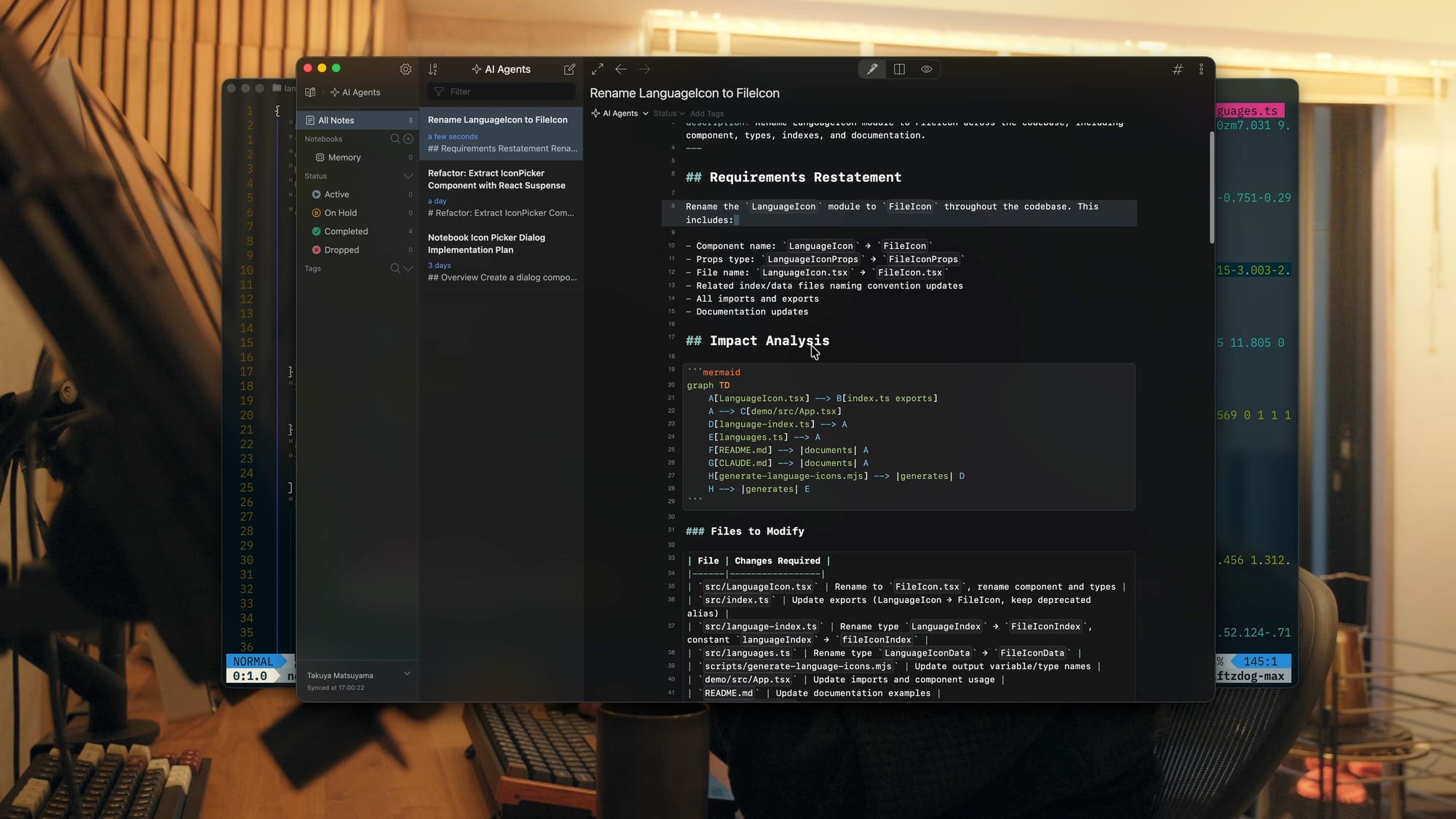
How It Works
- Request a plan - Run the
/plancommand with your task description - Plan is created - Claude Code analyzes the codebase and generates a detailed implementation plan
- Saved to Inkdrop - The plan is automatically saved as a note with status
none - Review and confirm - Read the plan in Inkdrop's markdown renderer, then confirm to proceed
- Execution begins - Status changes to
active, work starts - Progress updates - Checkboxes are checked off, deviations annotated, blockers noted
- Completion - Status changes to
completed, outcome section appended
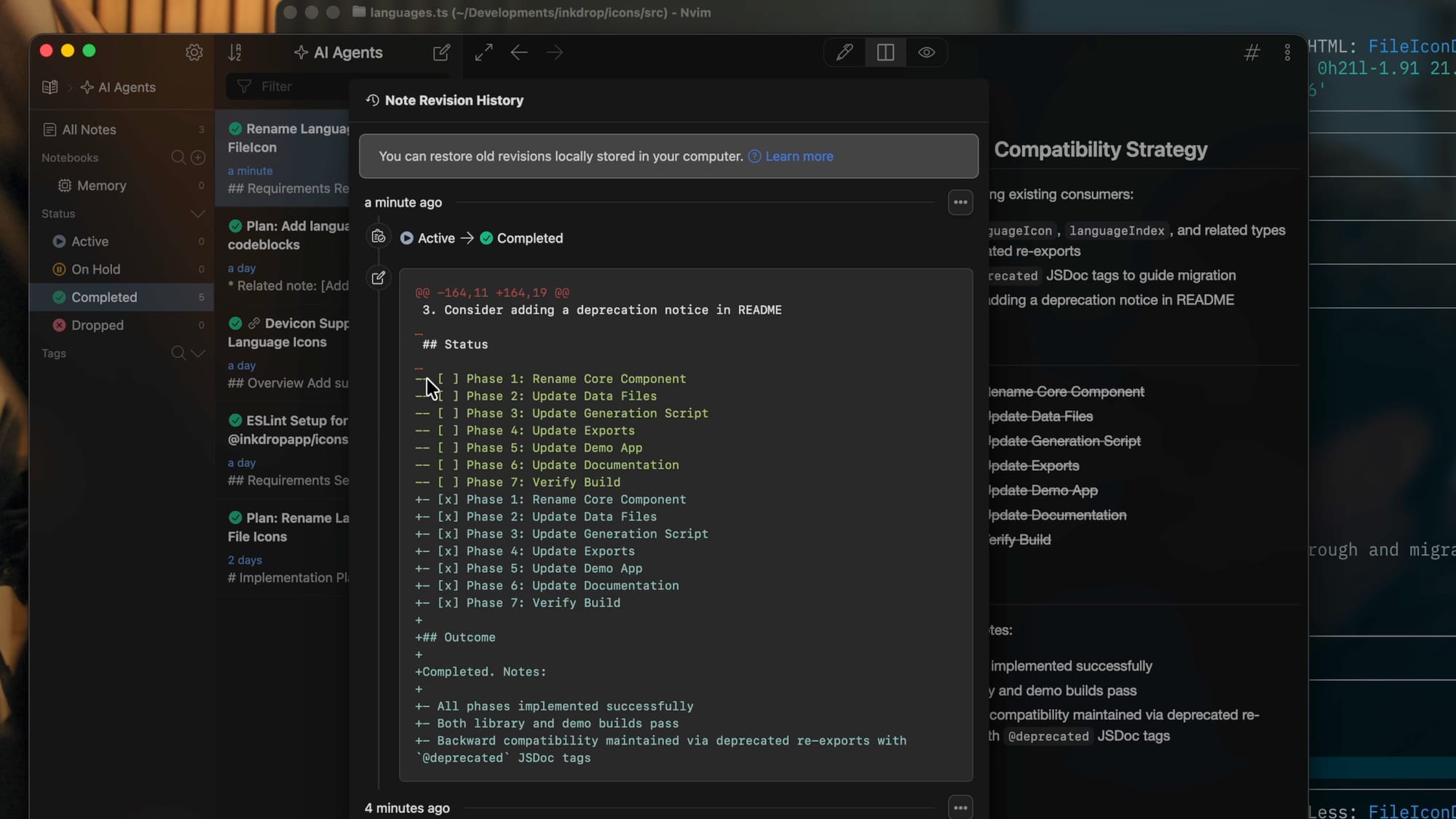
Check out the repository for more detailed instructions.
Idea: Creating a CLI tool like Beads?
This workflow makes me think of creating a CLI tool like Beads:
 steveyegge
This tool helps AI agents remember context by providing a simple issue tracker designed for them. Beads uses SQLite as a backend store, but I think it is also possible to use Inkdrop as a database, as demonstrated in the above video. It lets you focus on writing concepts, ideas, specifications, designs, and so on. In other words, it means AI agents take notes for themselves because they forget things due to the context window size, just like us. What do you think?